

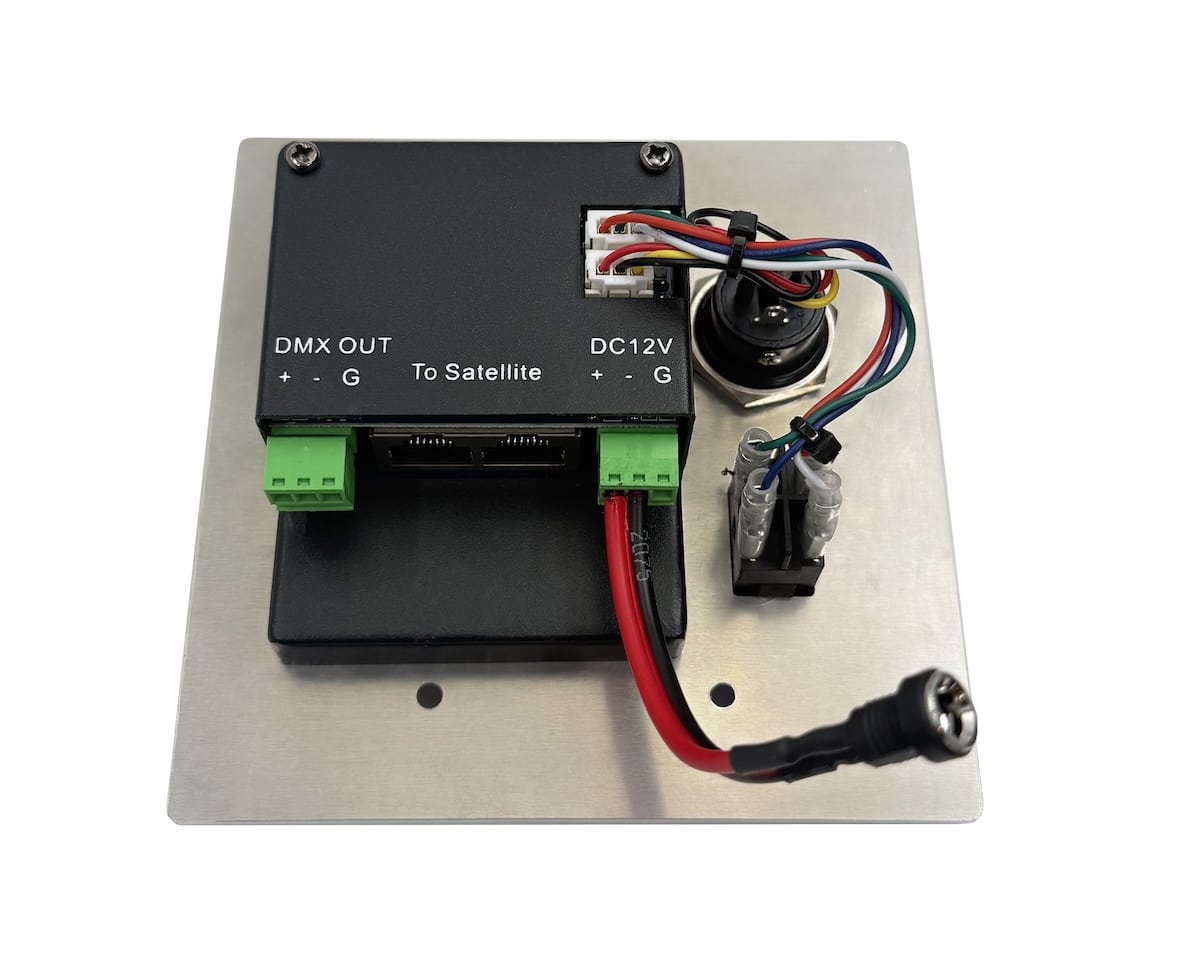


Deluxe Master DMX Wall Station | SMD-8


$299.95
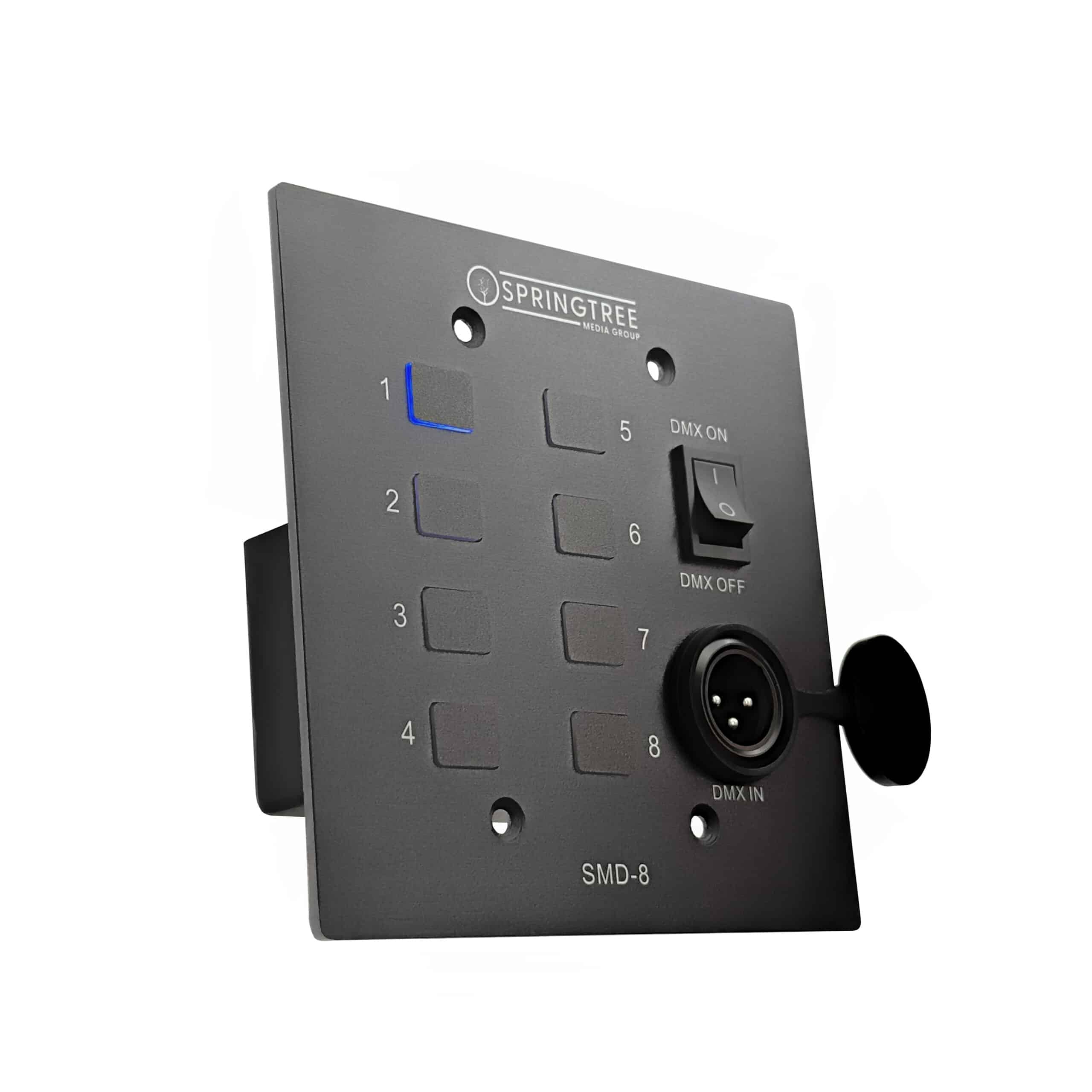
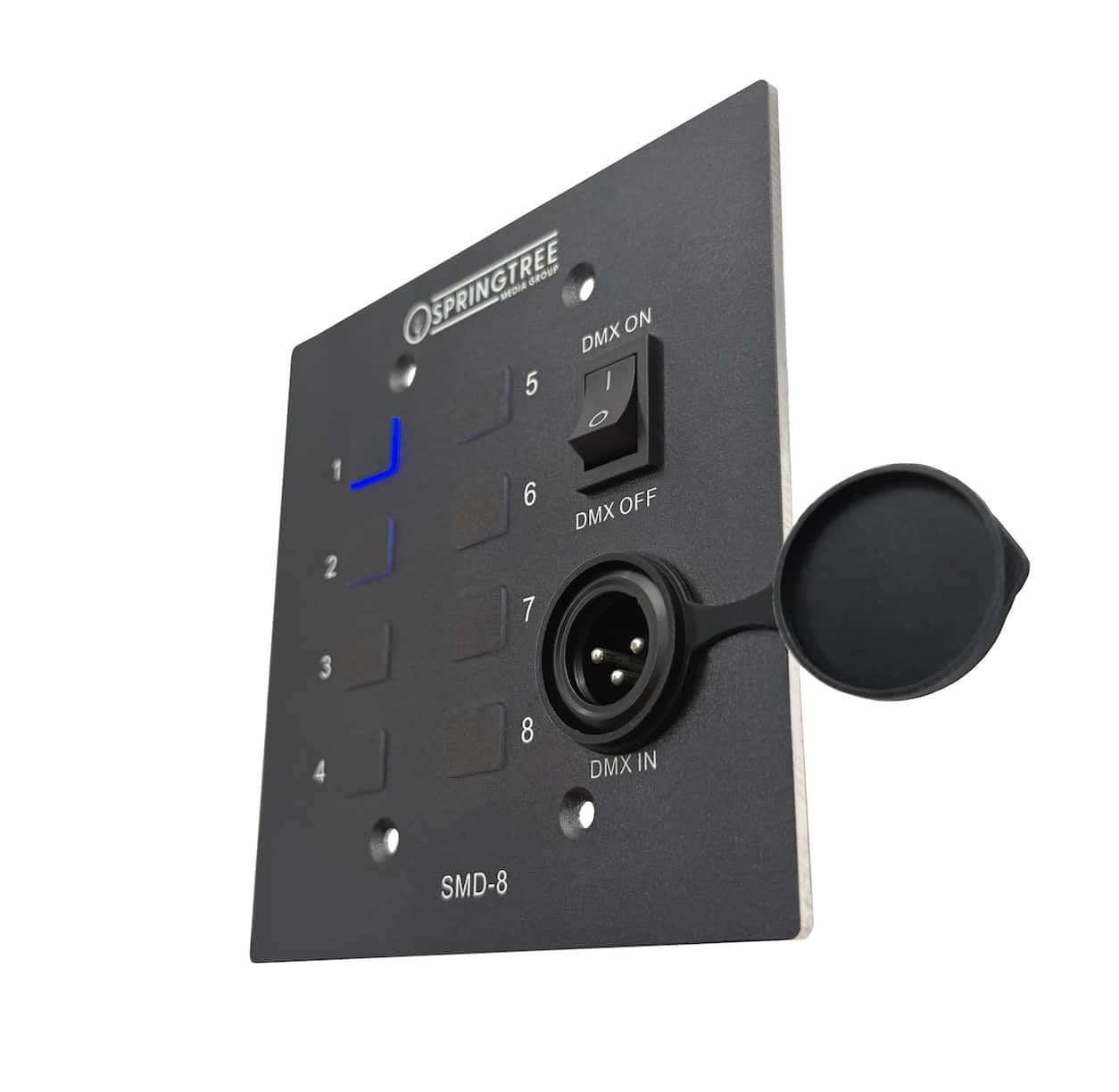
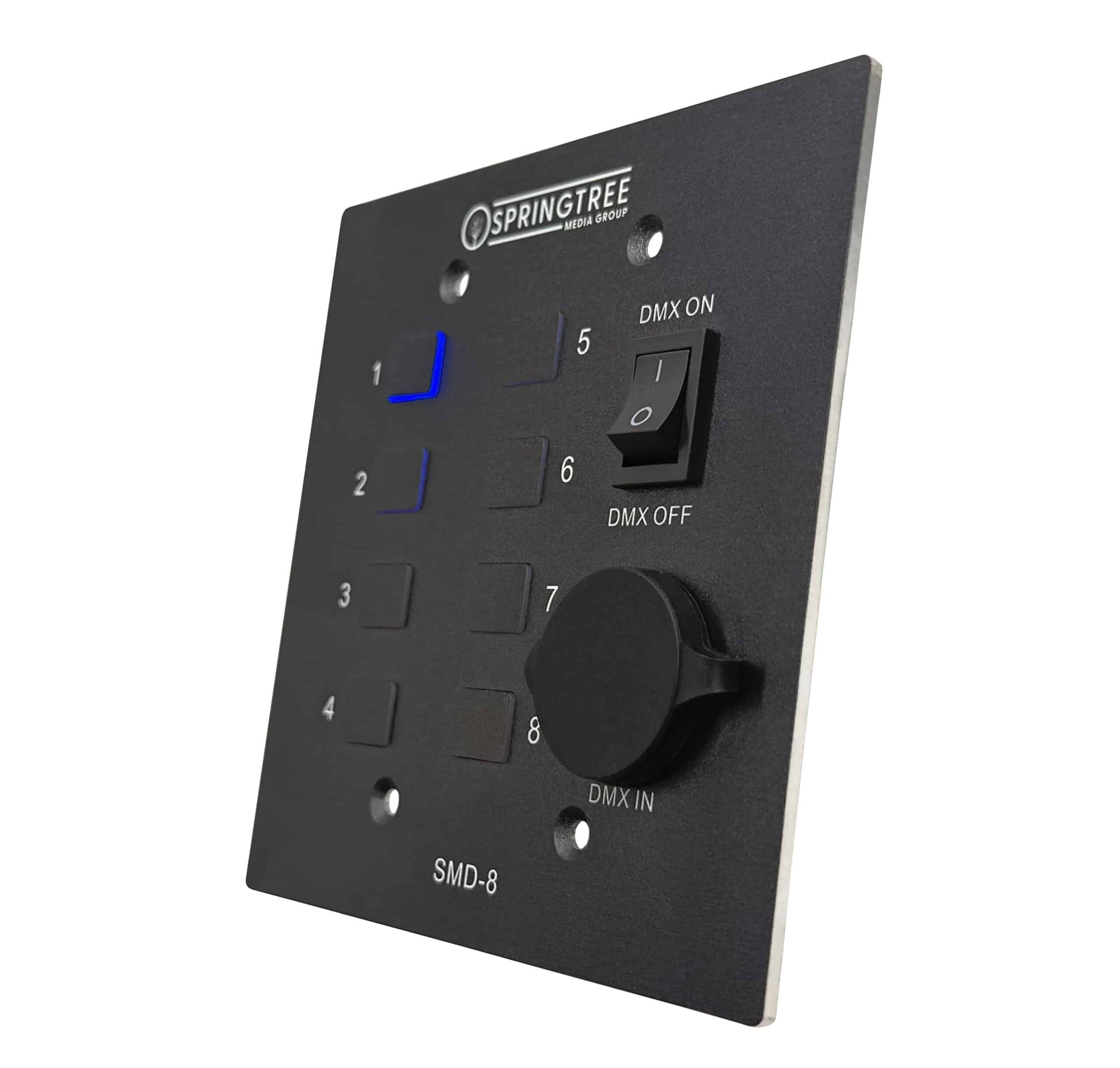
The SMD-8 is a master DMX Wall Station that makes scene playback simple. Store up to 8 lighting scenes and recall them instantly with the press of a button. It can operate independently once programmed, or work alongside a lighting console or computer when needed. It features a front-facing 3-pin DMX input and a built-in control switch, allowing you to choose whether the SMD-8 or your console/computer is the active DMX controller. Up to 5 satellite stations can be connected to the SMD-8 using Ethernet cable.
View CutSheet
What’s New
The Deluxe Master Wall Station (SMD-8) takes everything customers loved about the original SM-8 and adds upgraded components, easier programming, and more flexible installation options.
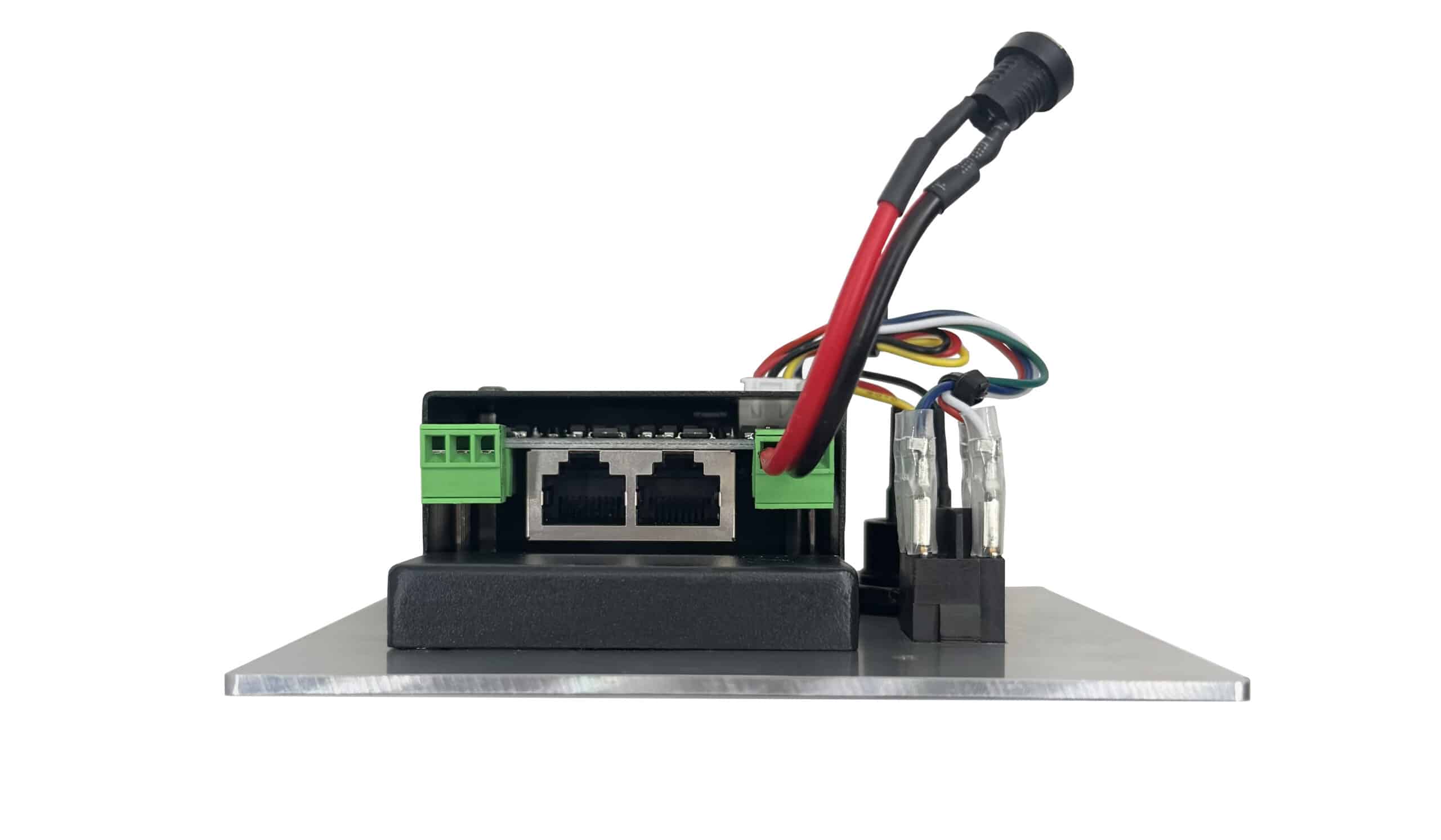
With two built-in Cat5 outputs, the SMD-8 can connect satellite stations in multiple directions without requiring an SS-Hub. A built-in control switch lets you quickly move active DMX control between the SMD-8 and your lighting console/computer. The front-facing 3-pin DMX input gives you convenient access for programming scenes directly from a console or computer.
Unlike the original SM-8, which receives DMX input through a hardwired Phoenix connector, the SMD-8 is designed for faster access. Phoenix connectors are excellent for permanent console connections, but when the wall station is being used as a standalone preset controller, the 3-pin DMX input makes reprogramming simple: just plug in your console or computer, save your scenes, and unplug when you’re done.
At A Glance
Features
- Self-contained preset station with 8-scene capacity
- Built-in fade time presets
- Supports up to 5 satellite stations
- DMX-512 output
- DMX input snapshot for easy scene saving
- Built-in control switch lets you quickly switch active DMX control between the SMD-8 and your console/computer
- Can work in tandem with a lighting console or computer
Satellite Stations

Master Wall Stations store and output DMX data, making them the central control point for your lighting scenes. Satellite Stations provide additional access points around your facility, allowing users to trigger saved scenes from different locations. Rather than sending DMX data directly to the lights, Satellite Stations communicate with the Master Station, which handles the actual DMX output.
For added convenience, Springtree Satellite Stations are connected and powered through simple Cat5 Ethernet cable, making installation clean and easy. SMD-8s are compatible with any Springtree Satellite Station, not just the Deluxe models.
The SMD-8 now includes two Satellite outputs, making it easy to run Cat5 cable to Satellite Stations in two separate directions without the need for an SS-Hub. Each Satellite Station also includes a rear output, allowing additional Satellite Stations to be connected in series. Up to 5 Satellite Stations can be used per SMD-8.
Programming Scenes
- Hold down buttons 1 and 8 to enter programming mode. The indicator light will turn red.
- Set the desired lighting look on your lighting console.
- Press the desired preset button, 1–8. The light will flash to confirm the scene has been stored.
- Set a new look on your lighting console.
- Press another unused preset button, or record over an existing scene by selecting that button.
- Repeat until your desired scenes are stored. Up to 8 scenes can be recorded.
- Hold down buttons 1 and 8 again to exit programming mode.
| Color | Black, White |
|---|
Related products


DMX Control Stations


DMX Control Stations


DMX Control Stations


DMX Control Stations


DMX Control Stations


DMX Control Stations


DMX Control Stations


DMX Control Stations