

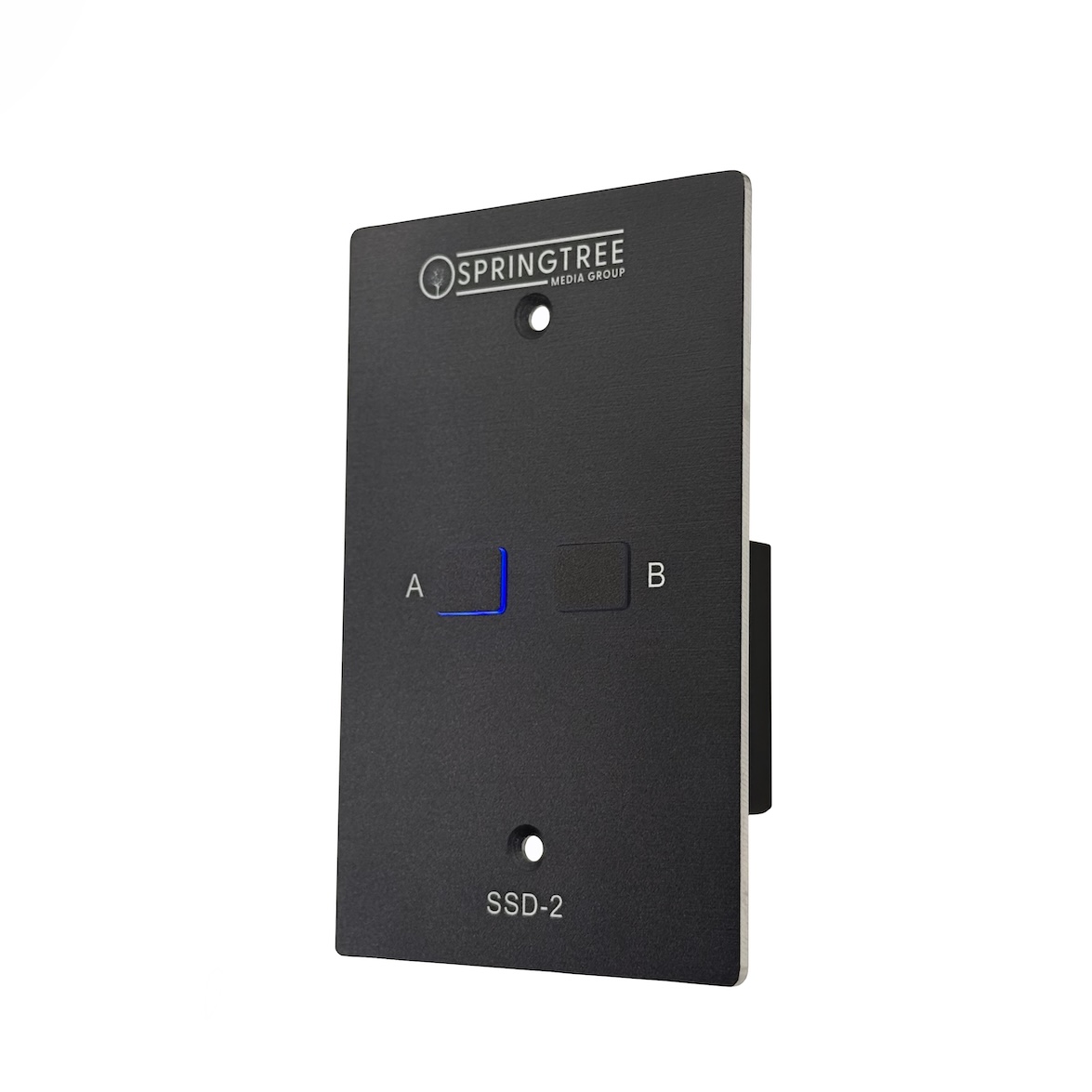
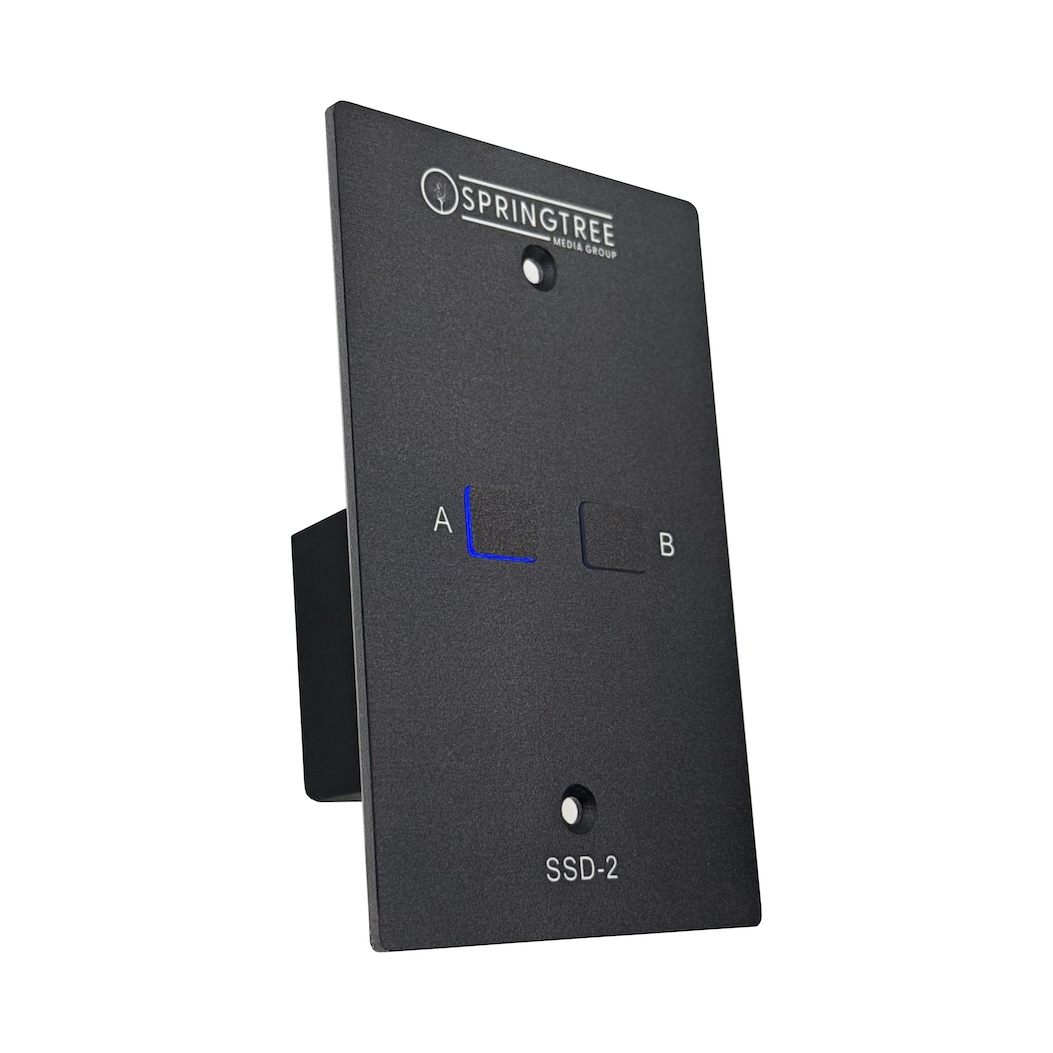


Deluxe Two-Scene Satellite DMX Wall Station | SSD-2


$219.95
Give your everyday lighting control a premium touch with the SSD-2 Deluxe Satellite Station. Designed to look as good as it feels, the SSD-2 puts your choice of two DMX lighting scenes just a button press away. With high-quality components, refined buttons, and simple Cat5 connectivity, it delivers beautiful control without separate power or DMX runs.
View CutSheetThe SSD-2 lets you choose two scenes from your Master Station’s saved presets and make them available at the press of a button.
Often used as a convenient all-on/all-off control at a building entrance, the SSD-2 is perfect for areas where less is more. It can also be used alongside other 8-Scene Satellite Stations for added control throughout your facility.
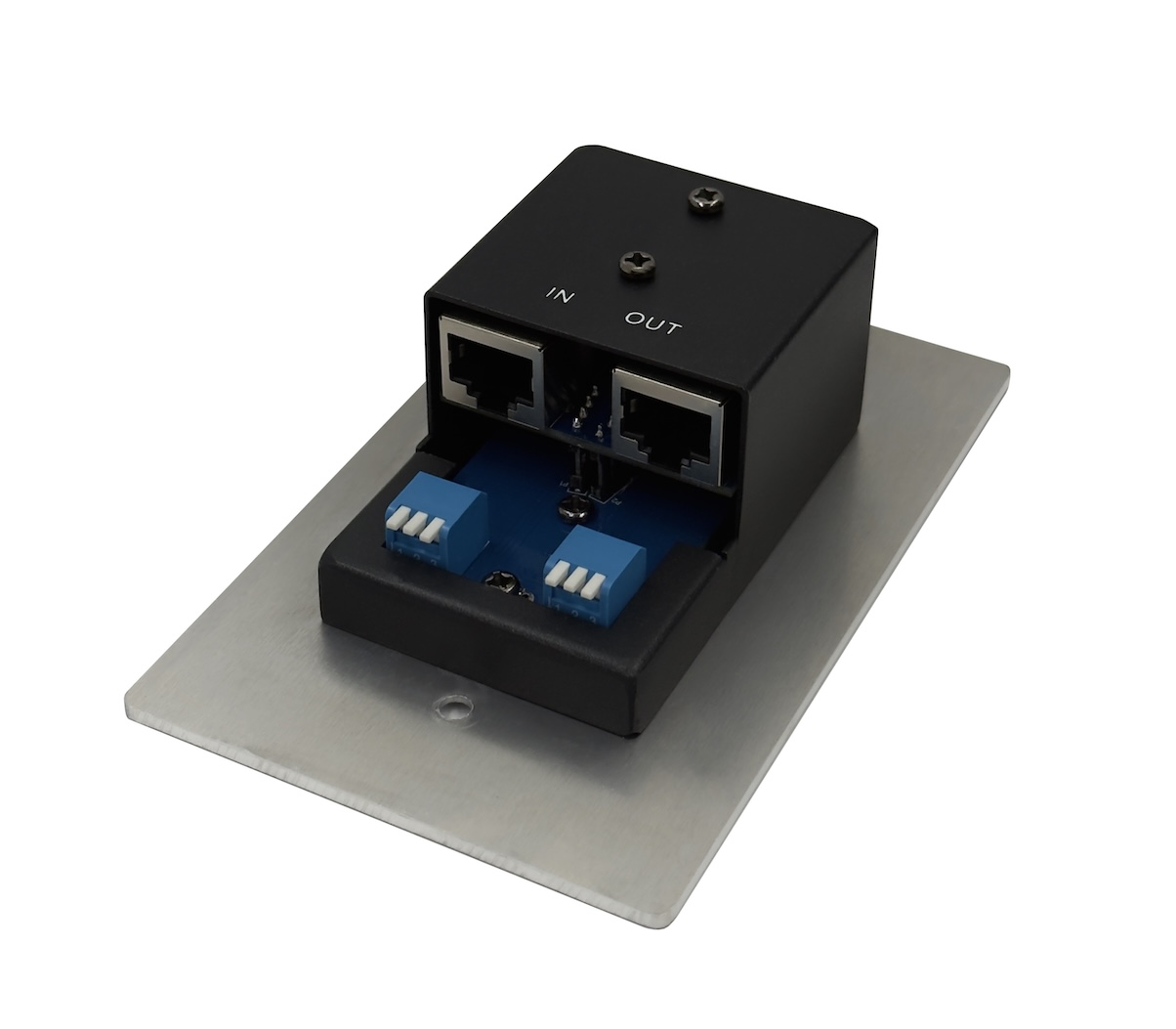
Each SSD-2 includes a rear output, allowing additional Satellite Stations to be connected in series.
PROGRAMMING SCENES

SSD-2 Satellite Stations are programmed using a set of DIP switches on the back of the station. Flip the switches according to the guide below to select which scenes from your Master Station each button will control.
| Scene 1 |
↓↑↑ |
| Scene 2 |
↑↓↑ |
| Scene 3 |
↓↓↑ |
| Scene 4 |
↑↑↓ |
| Scene 5 |
↓↑↓ |
| Scene 6 |
↑↓↓ |
| Scene 7 |
↓↓↓ |
| Scene 8 |
↑↑↑ |
Video
| Color | Black, White |
|---|
Related products


DMX Control Stations


DMX Control Stations


DMX Control Stations


DMX Control Stations


DMX Control Stations


DMX Control Stations

DMX Control Stations

DMX Control Stations